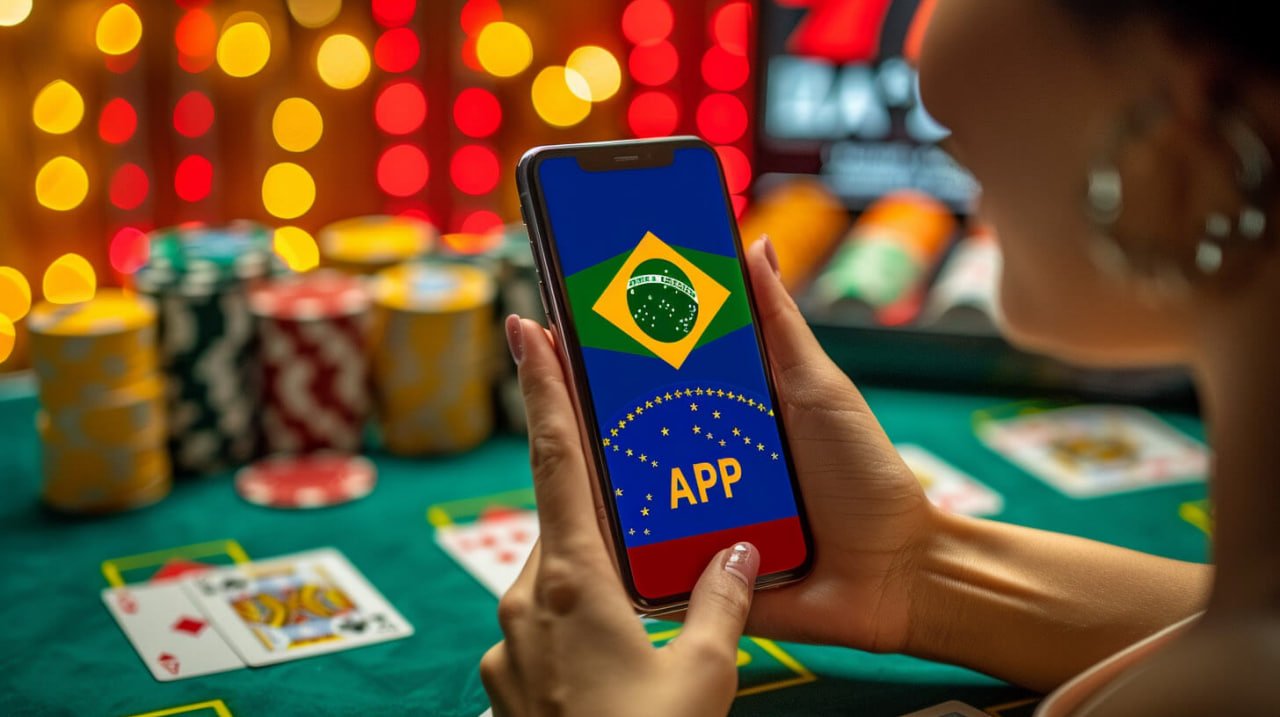
Why is the l89z app becoming the top choice for gamers in Bangladesh?
With mobile internet usage in Bangladesh growing rapidly over the past few years, online gaming is no longer confined to desktops. People want to play on their phones on the go — on the street, on the bus, during a break. l89z built its dedicated mobile app with exactly that in mind.
One of the biggest advantages of the l89z app is that it is built for Bangladesh's network conditions. Games run smoothly even on 3G or weak 4G connections. Users who previously complained about lag on the browser have reported that the issue is largely gone after switching to the app.
The l89z app also features a fully Bengali interface. Everything from the menus to payment instructions is available in Bengali. Many users make mistakes navigating foreign platforms in English — that is not an issue with l89z.
App interface and design
The l89z app has a clean, easy-to-navigate interface. All game categories, active bonus offers, and the deposit button are visible right from the home screen. Even first-time mobile gaming app users will find the design straightforward to pick up.
When a game launches, full-screen mode activates automatically, screen rotation is smooth, and touch response is extremely fast. In action-based games like Fish Games, that speed matters — even a little latency can throw off your aim.
How to install the l89z APK on Android
The l89z Android app is downloaded as a direct APK file, since gaming apps are not always available on the Play Store. The process is straightforward and takes just a few minutes.
First, go to Settings on your Android phone and enable "Install from Unknown Sources" or "Allow from this source" under Security or Privacy. Then tap the APK download link on the l89z app page. Once the file downloads, tap the notification to install.
Once the installation is complete, the l89z icon will appear on your phone's home screen. Tap it to open the app. Log in if you already have an l89z account, or create a new one — the whole process takes under 3 minutes.
How to tell if an APK is safe?
Only download the official l89z APK from the app page on this site. Downloading APK files from third-party sites or Telegram groups can be risky. The official APK is digitally signed and regularly updated, making it completely safe.
How to use the l89z app on iOS
There are two ways for iPhone and iPad users to get the l89z iOS app. The first is to install it via the TestFlight link on the official l89z page. TestFlight is Apple's own beta app distribution platform, so there is no risk involved.
Another option is to open l89z in Safari and tap "Add to Home Screen." This creates a PWA (Progressive Web App) that looks and works much like a native app — no installation required, but with a full app-like experience.
IOS users enjoy the full range of app features — push notifications, biometric login (Face ID), fast payments, and all game types. l89z ensures there is no feature gap between Android and iOS users.
How do you get app updates?
Android users receive in-app notifications whenever a new update is available. Simply tap the notification to download the latest APK and update automatically. On iOS, TestFlight handles updates automatically. Keeping the app up to date means you get new games and bonus features first.
Games, payments, and support — all in one place on the l89z app
When you open the l89z app, you will find five main sections right away: Fish Games, Casino, Slots, Sports, and Promotions. Each section displays all its games in a clean, organized layout. Just browse the thumbnails, tap the game you want, and it launches instantly — no redirects or extra loading.
The payment section is directly accessible from the bottom menu of the app. Depositing via Mobile Banking, Nagad, or Rocket takes just three steps: enter the amount, select your payment method, and confirm. Deposits are credited to your wallet instantly. Withdrawals are just as simple.
If you run into any issues, tap the live chat feature in the app. The l89z support team is available in Bengali 24 hours a day, 7 days a week. Response times are typically between two and five minutes.
App vs. browser — which is better?
In short, the app outperforms the browser in every way. That said, for users who prefer not to install anything or just want to play occasionally, l89z works great on a mobile browser too. But for regular players, installing the app is the smarter choice — the combination of speed, convenience, and exclusive bonuses makes for a far superior experience.